Why Choose the Right Cable for Home Use?
Choosing the right cable for home use is a safety decision, not merely a shopping decision. Behind a television, under a desk, or inside a wall, every cable carries a specific responsibility. The wrong cable may overheat, lose signal, waste energy, or fail earlier than expected. Small details matter.
Electrical safety educator Mike Holt states, “Electricity is a silent and invisible killer.” His warning explains why cable selection deserves careful attention. A reliable cable for home should match the device, current demand, voltage, distance, connector type, and installation environment. Indoor audio equipment needs different protection from outdoor lighting or in-wall wiring. Heat, moisture, bending, and pressure can also shorten a cable’s service life.
Real homes are rarely perfect. Furniture moves. Pets chew. Plugs loosen. Dust gathers behind cabinets. These ordinary conditions can expose weak insulation or poorly fitted connectors. Look for clearly printed ratings, suitable certifications, strong strain relief, and materials designed for the intended location. Never rely only on thickness or attractive packaging. Thicker does not always mean safer or better.
This guide will examine how to compare cable types, read specifications, and avoid common buying mistakes. It will also explain when professional installation is sensible, especially for permanent or concealed wiring. Some recommendations may not fit every home. That is worth admitting. Your equipment, building structure, climate, and daily habits all influence the best choice. A thoughtful cable for home should work quietly, remain stable, and support safe use over time.
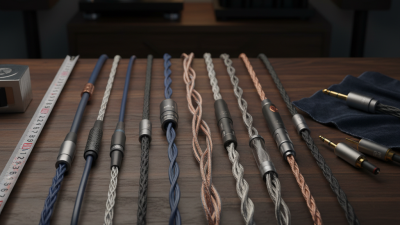
Cable Types Commonly Used in Homes
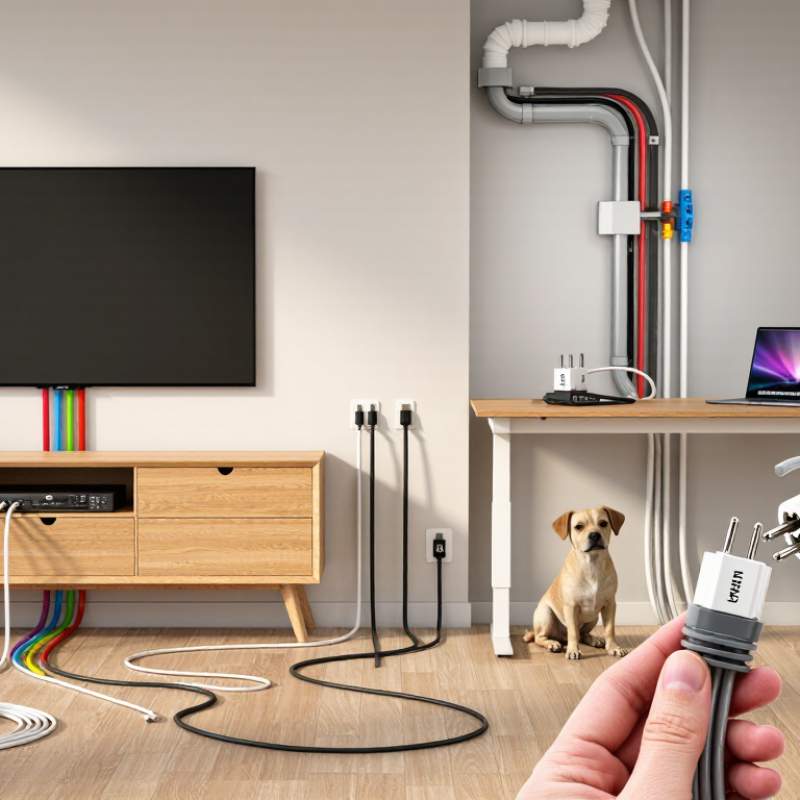
Homes use several cable types, and each one serves a different purpose. Power cables deliver electricity to lights, appliances, and wall outlets. Their insulation, conductor size, and heat rating must match the circuit. A thicker cable is not automatically safer. Check its printed rating. For fixed wiring, a qualified electrician should confirm the installation and local code requirements. Small errors can remain hidden inside a wall.
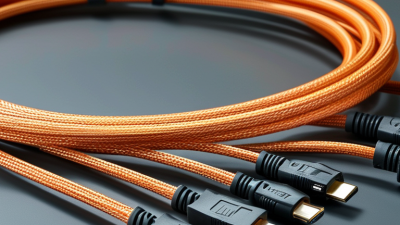
Ethernet cables connect routers, computers, televisions, and smart devices. They provide stable data connections where walls weaken wireless signals. Coaxial cables carry television or broadband signals through shielded conductors. Keep them away from sharp bends and heavy pressure. Digital audio and video cables link displays with media equipment. USB cables handle charging and short-distance data, but their power limits vary. Read the specifications, not only the connector shape. Not always obvious.
I have seen a tidy cable drawer create false confidence. Similar-looking cables may support different speeds, voltages, or charging levels. Label spare cables with their purpose. Replace cracked insulation, loose plugs, or warm connectors promptly. Do not run power and signal cables carelessly together when interference matters. I sometimes choose a longer cable for convenience, then regret the extra loops. Shorter routes are easier to inspect and less likely to become trip hazards. For uncertain wiring, ask a licensed professional and keep installation records.
How to Match a Cable with Its Intended Device
Why Choose the Right Cable for Home Use?
How to Match a Cable with Its Intended Device
At home, a cable should match the device, not just fit its port. A connector may slide in easily while carrying limited power or slow data. Check the device manual for its connector type, charging input, and supported speed. Shape alone is not enough.
I learned this after using a thin charging cable with a small laptop. It charged slowly and became warm near the plug. That experience changed how I choose replacements. Use cables rated for the device’s actual demands.
For phones and tablets, match the connector and charging standard listed in the manual. For laptops, check wattage before choosing a cable. A low-rated cable may charge slowly or fail under heavy use.
For monitors, identify whether the cable carries video, audio, or both. A data-only cable will not solve a display problem. External drives also need suitable data speed and stable power.
Read the cable’s printed specifications, when available. They are often more useful than attractive packaging.
Length matters too. A very long cable can create clutter and reduce performance in some setups. Choose the shortest practical length, then leave gentle slack near each port.
Avoid sharp bends, crushed sections, and loose connections. Inspect the plug after repeated use. A damaged cover is a warning.
I still sometimes choose convenience over exact specifications, and that is a mistake worth noticing. When information is unclear, compare the device manual with the cable’s rating instead of guessing.
Key Factors in Cable Safety and Performance
Choosing the right cable for home use is mainly a safety decision, not a decoration choice. A cable must match the appliance’s voltage, current, and expected workload. A thin cable can become hot when powering a heater or kitchen appliance for long periods. That heat may stay hidden beneath a rug or behind furniture.
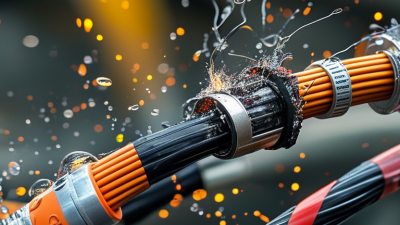
Cable insulation also matters. Look for intact outer covering, secure plugs, and clear safety markings from a recognized testing authority. Indoor cables are not automatically suitable for damp areas, outdoor use, or high temperatures. Moisture can reach small cracks, especially near sockets and cable ends. Keep connections dry.
I check the cable length and thickness before installation. Longer runs can create voltage loss, while unsuitable gauge sizes may reduce performance. Avoid sharp bends and repeated twisting. I once stored a cable tightly around a power strip, and the outer jacket developed a weak crease. It still worked, but that was not good enough. I should have replaced it earlier.
Do not use a cable with exposed wires, loose pins, scorch marks, or a burning smell. Cheap choices can become expensive. It is also wise to inspect cables every few months, especially in homes with pets or young children. Sometimes the problem is not the cable itself, but an overloaded outlet or damaged socket. When the rating is unclear, ask a qualified electrician instead of guessing.
How Cable Quality Affects Power and Signal Transfer
Cable quality directly affects how efficiently electricity and data move through a home. A thin or poorly made power cable has higher resistance, creating heat and voltage loss under heavy loads. The U.S. Energy Information Administration’s 2020 Residential Energy Consumption Survey recorded average household use at roughly 10,700 kilowatt-hours annually. Small losses can become meaningful over years.
For signal transfer, conductor design, shielding, connector fit, and cable length matter. TIA-568.2-D sets performance requirements for balanced twisted-pair cabling, including insertion loss and crosstalk. IEEE 802.3 standards also define requirements for high-speed Ethernet links, including operation up to 100 meters for suitable cabling. A cable may look thick but still use weak shielding or poorly attached contacts. I have seen this overlooked. The result can be intermittent connections, pixel dropouts, or slower network negotiation.
Tips: Match the cable to the device’s rated voltage, current, and data speed. Check recognized certification marks and published specifications. Avoid extremely long runs when a shorter cable works. Inspect plugs for looseness, bent contacts, or unusual warmth. Do not assume an expensive cable is automatically better. Even careful buyers sometimes trust packaging more than measurements. For power cables, choose the correct conductor size and insulation rating. For signal cables, confirm bandwidth requirements, shielding needs, and maximum length. A simple test under real household conditions is useful, because laboratory claims may not reflect tight bends, crowded outlets, or electrical noise.
Best Practices for Installing and Maintaining Home Cables
Why Choose the Right Cable for Home Use?
Safe home wiring begins with selecting a cable suited to its load, location, and expected temperature. A cable for lighting may not handle a cooker or outdoor equipment. Check the conductor size, insulation rating, and circuit protection before installation. Safety comes first.
Tips: Switch off the power, then confirm the circuit is dead with a reliable tester. Keep cables away from hot pipes, sharp edges, standing water, and areas where nails may enter. Leave gentle bends instead of tight corners. Secure cables without crushing their insulation. Do not guess.
During installation, use proper junction boxes and keep connections accessible. Exposed copper should not remain outside a terminal. Each connection must be firm, clean, and free from strain. Fixed wiring deserves qualified professional attention, especially when the existing system is old or unclear.
Maintenance is easy to overlook. Inspect visible cables for cracks, discoloration, loose outlets, or unusual warmth. A neat installation can still hide a weak connection. I have learned that small warning signs deserve attention, even when everything appears to work. Keep a simple record of repairs and inspections. Replace damaged cables rather than covering them temporarily. Overlooking one detail can create a serious fault later.